
August 19, 2026
How to keep an SSH session alive on your iPhone when the network drops
Mosh keeps the shell running through a locked phone, a tunnel, and a switch from Wi-Fi to cellular. Here is how to set it up with SwiftServer in five minutes.
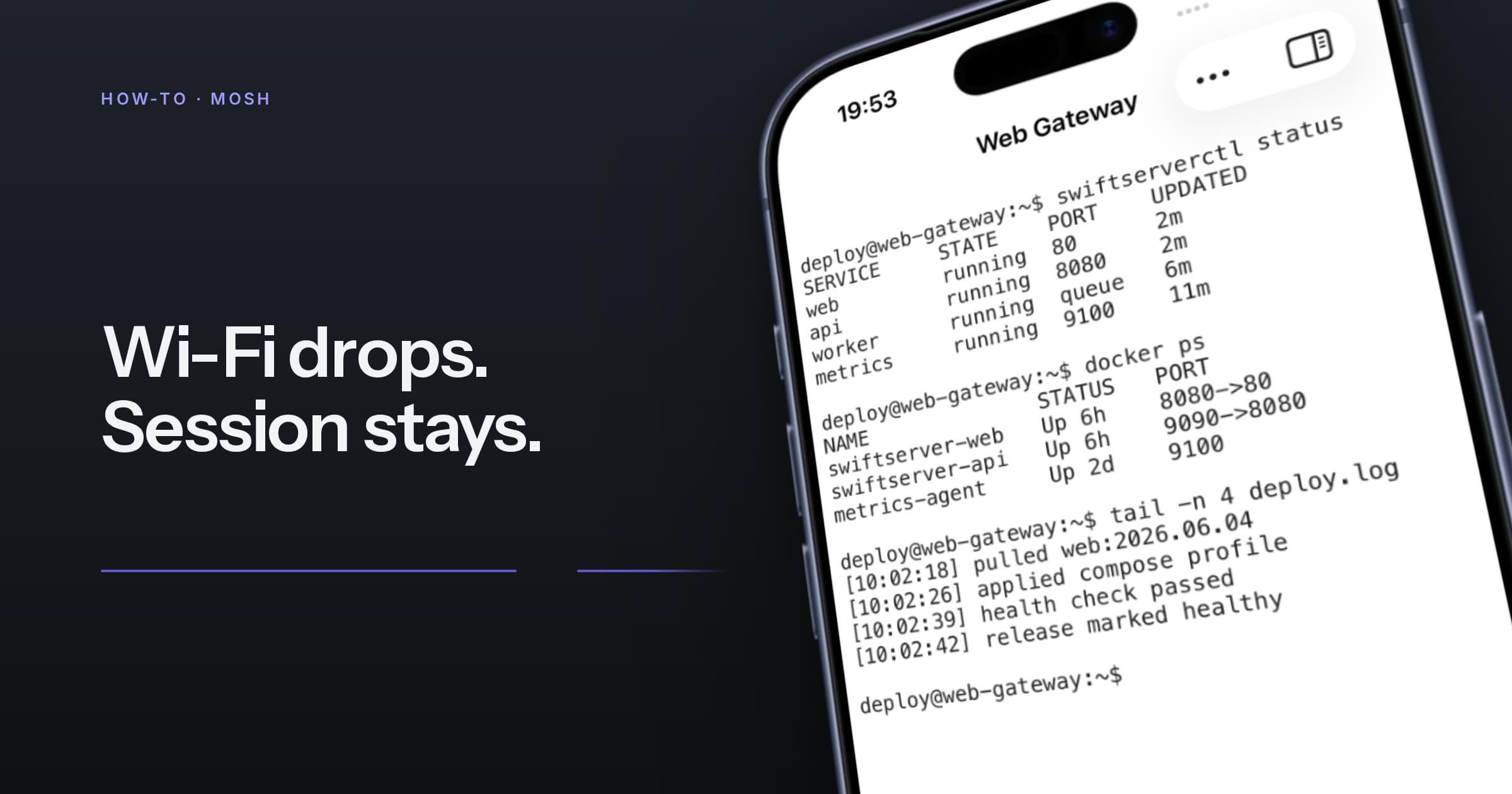
An SSH session on a phone has a short life. Lock the screen, walk into a tunnel, or hop from Wi-Fi to cellular, and the TCP connection underneath is gone. You have to rebuild the shell, the working directory, and the command you were watching.
The fix is Mosh, the mobile shell. It starts through SSH, then runs over UDP and keeps the session state on both ends. When your address changes, the session follows. SwiftServer implements the client itself, so all you add is one package on the server.
1. Install mosh on the server
# Debian, Ubuntu, Raspberry Pi OS
sudo apt install mosh

# Fedora, Rocky, AlmaLinux
sudo dnf install mosh

# macOS with Homebrew
brew install mosh
SwiftServer expects mosh-server on the server and does not install it for you.
2. Open the UDP ports
Mosh uses UDP, one port per session, from the 60000–61000 range by default. Allow that range inbound on the server firewall:
# ufw
sudo ufw allow 60000:61000/udp

# firewalld
sudo firewall-cmd --permanent --add-port=60000-61000/udp
sudo firewall-cmd --reload
To open only a few ports, narrow the range on the server and set the same range in the machine's Mosh settings in SwiftServer.
3. Switch the machine to Mosh
Open the machine in SwiftServer, set Connection to Mosh, and save. The terminal button becomes Start Mosh Terminal. The machine keeps its credentials, host key, and any jump host or proxy.
4. Connect, then walk away
Start the terminal as usual. SwiftServer signs in over SSH, starts mosh-server, and hands the session to UDP. From then on:
- Lock the phone, come back an hour later, and the prompt is where you left it.
- Move from Wi-Fi to cellular and the status line briefly reads Mosh is rebuilding its UDP connection, then Mosh UDP connection restored. The shell never noticed.
- Type on a slow link and your keystrokes appear immediately, underlined until the server confirms them.
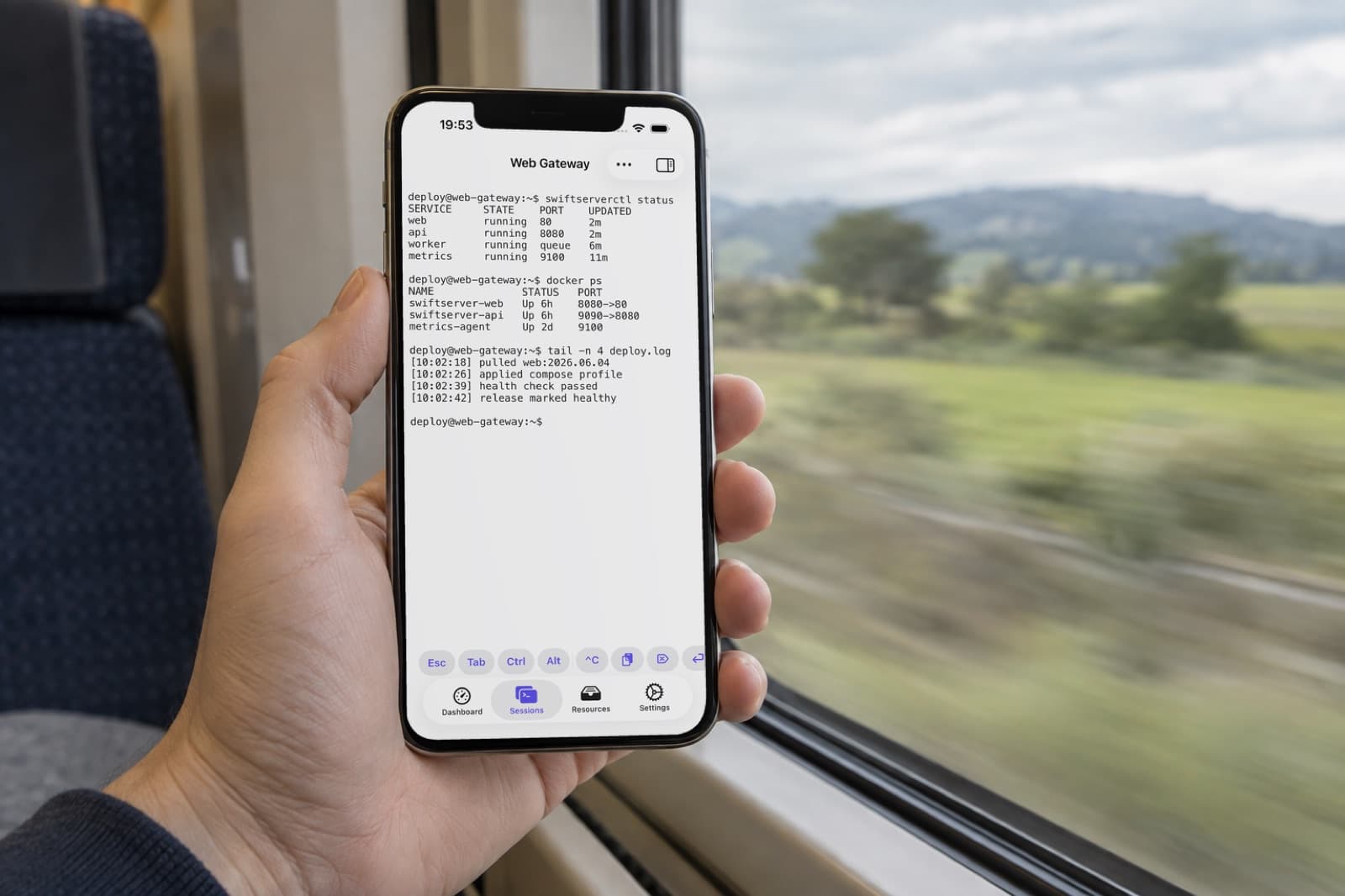
A long-running job, such as a deploy, a training run, or an agent working through a task, becomes something you glance at from the train.
Questions
Do I need Mosh on my iPhone?
No. SwiftServer implements the Mosh client. The server needs mosh-server; the phone needs nothing.
Does Mosh work through a jump host? The SSH start does, over a jump route or a SOCKS5 or HTTP CONNECT proxy. The UDP session then connects straight to the machine, so it needs an address your phone can reach. If that differs from the SSH address, set a UDP Host in the machine's Mosh settings.
The session will not start. Where do I look?
Mosh Diagnostics in SwiftServer shows where the start stopped. The usual causes are mosh-server missing from the PATH, the UDP range blocked by a firewall, or a NAT that will not hold the mapping.
Is Mosh free? Yes. Mosh is part of the free tier, on iPhone, iPad, and Mac, with no limit on machines or open sessions.
The Mosh feature page has the overview, and the Mosh docs cover custom ports, UDP hosts, and troubleshooting.
Related posts
September 21, 2026
The Best SSH Client for iPhone in 2026
Eight SSH apps for iPhone and iPad compared on terminal quality, Mosh, SFTP, port forwarding, jump hosts, monitoring, Docker, sync, and price, with a pick for each kind of user.
August 5, 2026
How to monitor a Raspberry Pi from your iPhone
Turn on SSH, add the Pi as a machine, and its CPU, temperature, memory, storage, and network arrive on your phone within seconds. Nothing to install on the Pi.