
Server monitoring, SSH, and Docker.
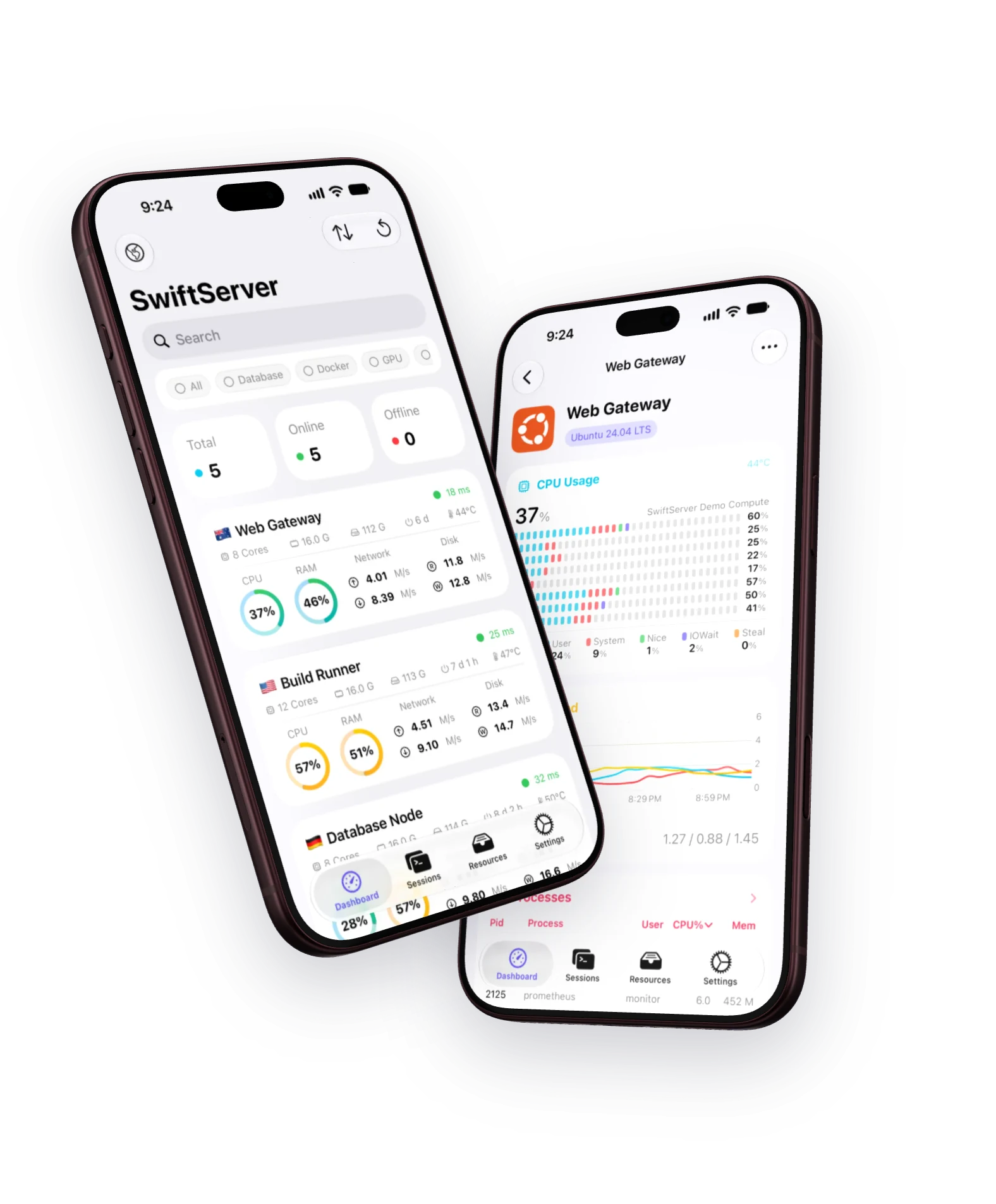
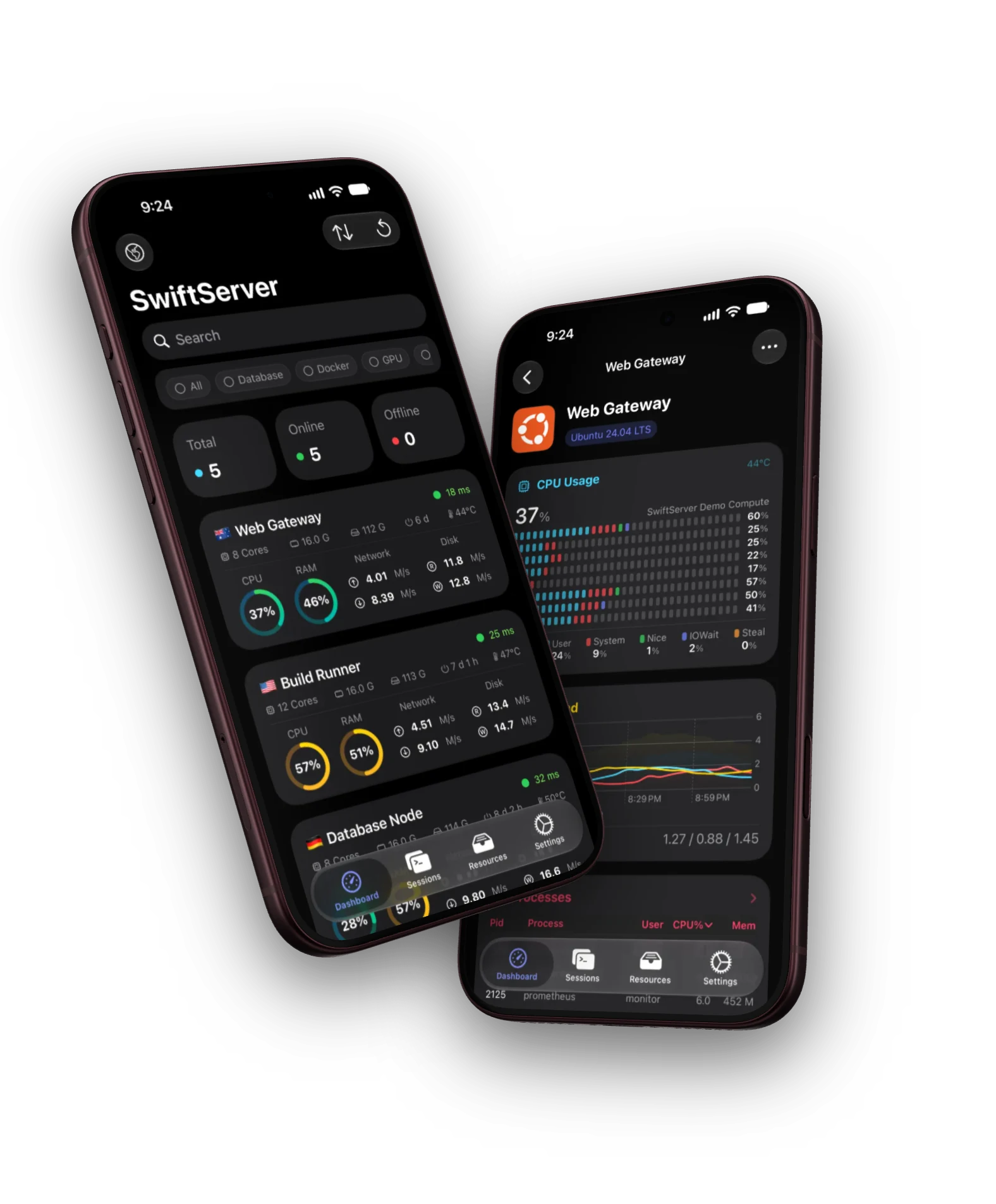
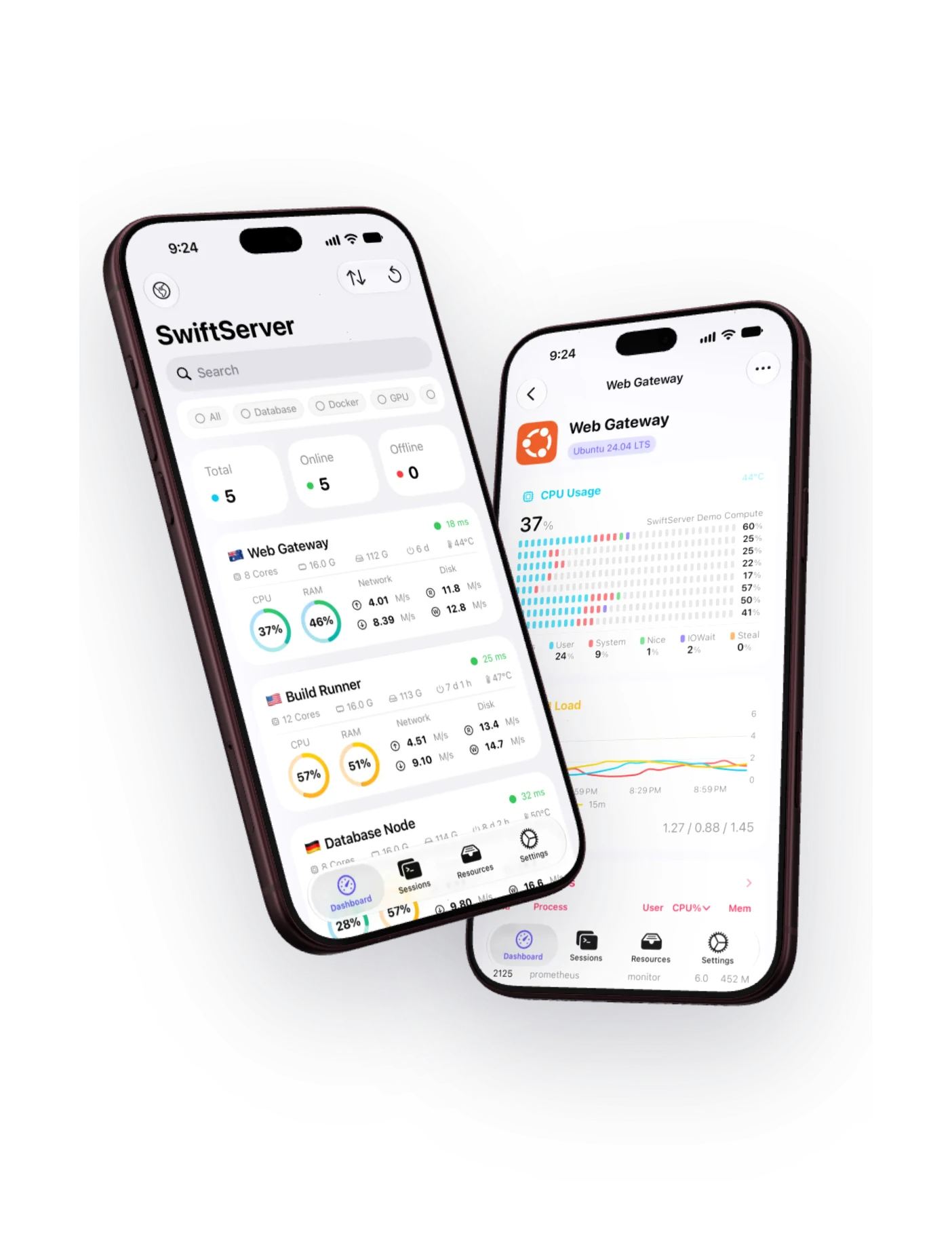
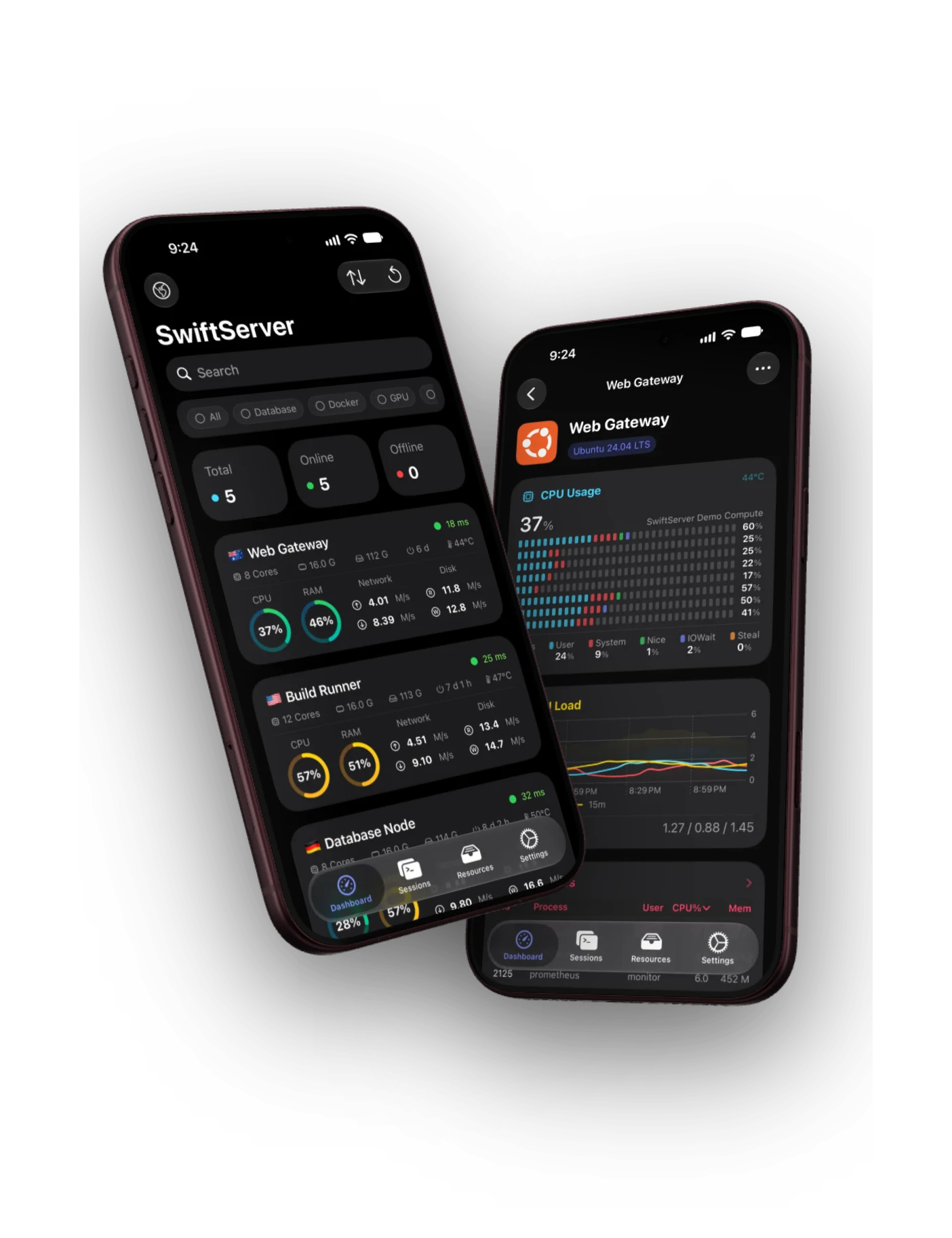
Live monitoring, a full terminal, and a Docker panel in one native SSH client. For iPhone, iPad, and Mac.


See everything. Install nothing.
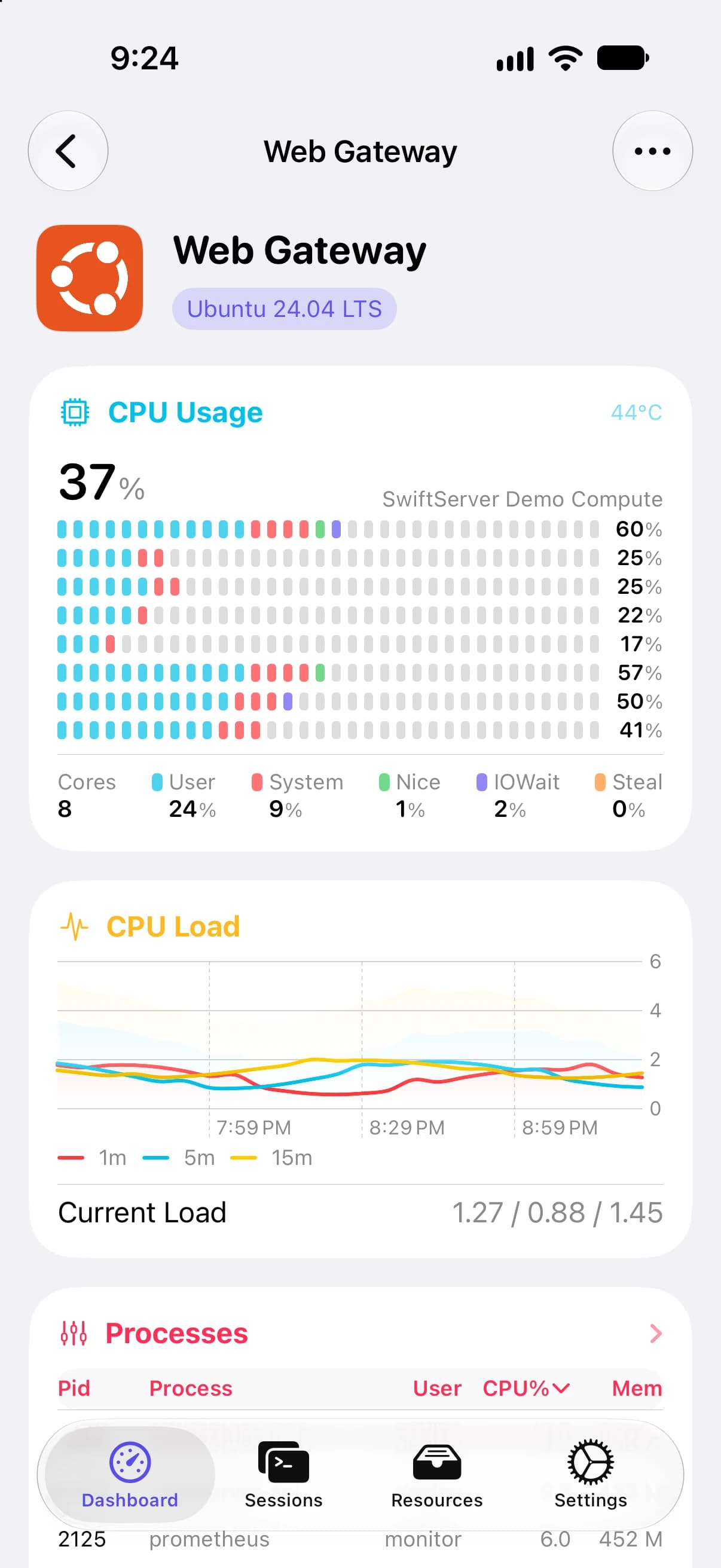
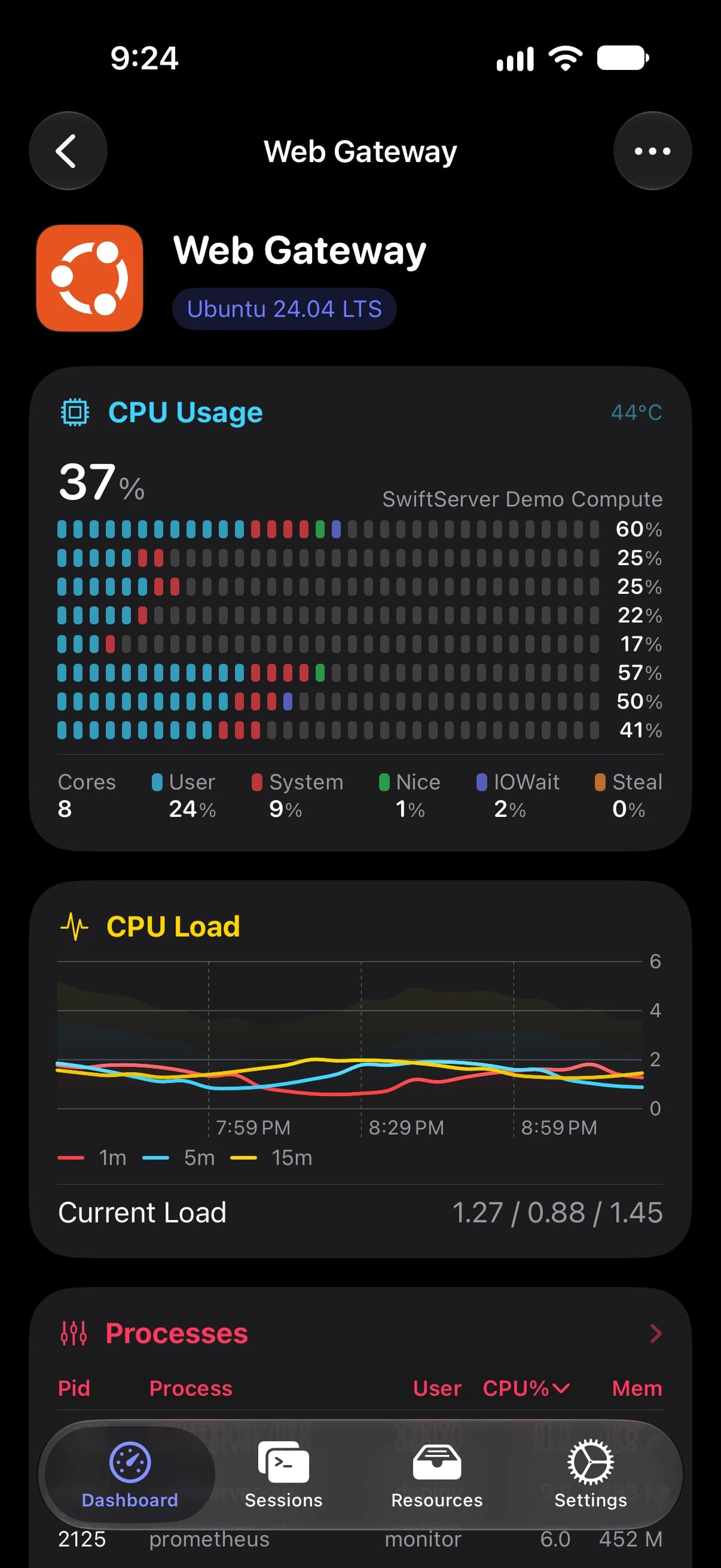
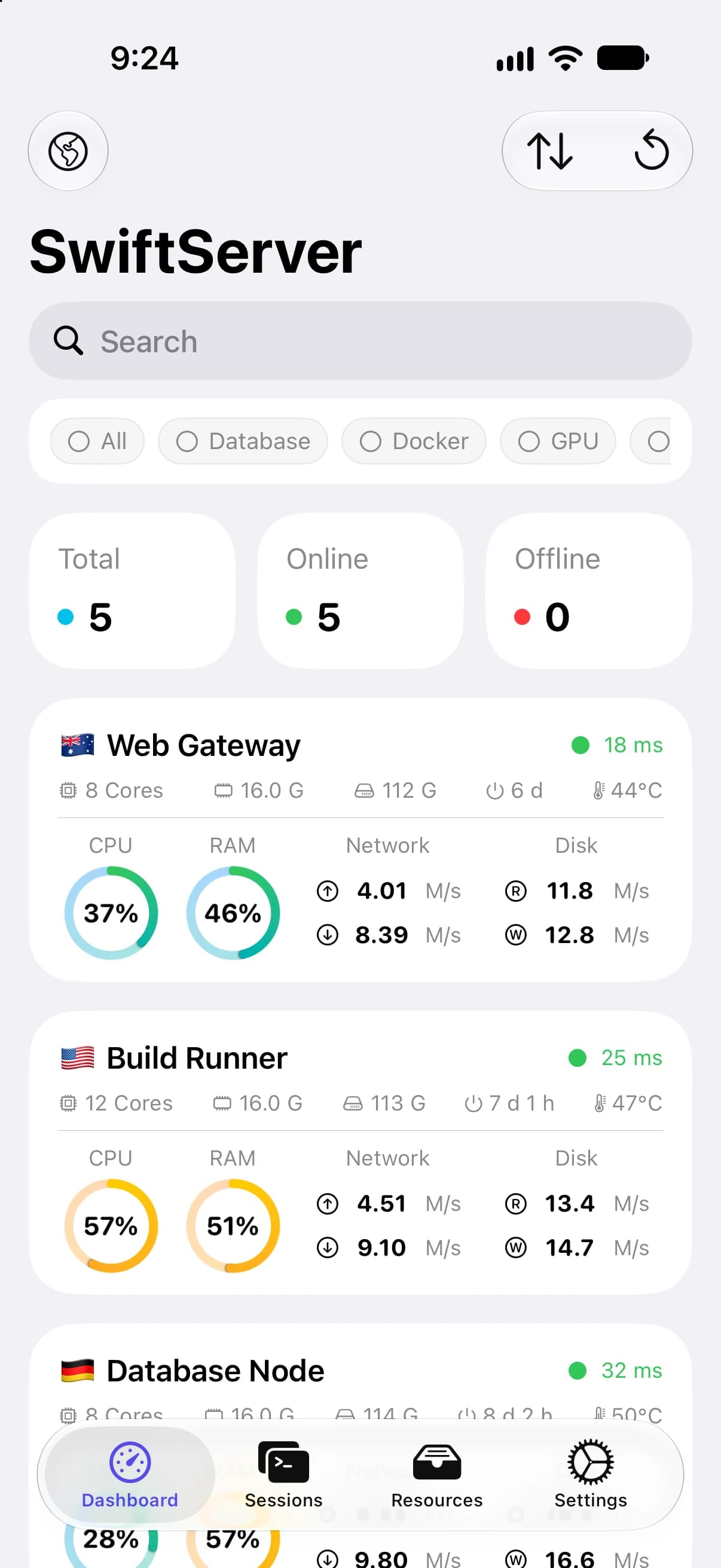
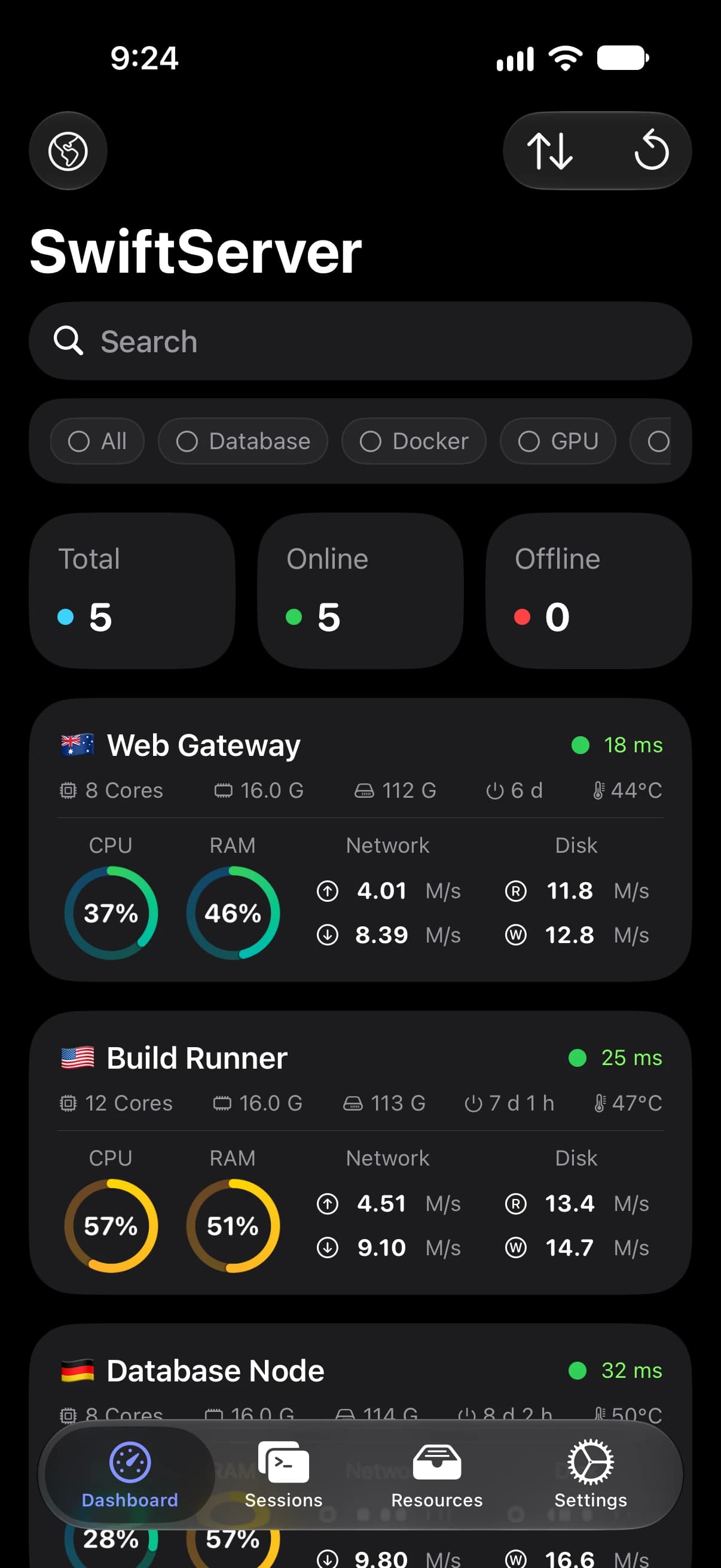
Live metrics over a single SSH connection. Nothing to install on the server.
A full terminal, wherever you are.
Tuned for touch, and just as quick with a keyboard.
Built for touch
Esc, Tab, Ctrl, and the arrows sit right under your thumb.
Status beside the session
Live CPU, memory, and processes sit next to your shell.
Forward from the output
When a local address shows up, forward it and open it in one step.
Snippets within reach
Save a command once, run it in any session with a tap.
518 themes
One for light, one for dark, and any font you bring.
Docker management, in full.
Containers, Compose, images, volumes, networks, and live events, in one panel.
Straight to the engine
Reaches the Docker socket over SSH, with no port to open.
Live by default
Daemon events arrive in about a second, so changes show up as they happen.
Every action verified
Start, stop, or restart, and the result is checked against a fresh snapshot.
Wherever Docker runs
Rootless daemons, OrbStack, Colima, and Docker Desktop.
Reach anything, from anywhere.
Tunnels, jump hosts, proxies, and Mosh, saved once and ready on every device.
Port Forwarding
Local, remote, and dynamic SOCKS forwards, saved as rules and started with a tap.
Jump Hosts
Reach machines behind a bastion, one hop or several. Each hop signs in and checks its host key on its own.
Connection Proxy
SOCKS5 and HTTP CONNECT profiles, set up once and attached to any machine.
Mosh
Sessions that survive a new network and a sleeping device, with instant local echo.
The rest of the toolbox.
SFTP files
Browse, upload, download, and copy straight between two servers.
Preview and edit
Quick Look almost anything, and edit text right on the server.
Run everywhere
One command, sent to many machines at once.
Global View
Every server on a world map, with latency at a glance.
Groups and tags
Organize the fleet, and open a whole group at once.
Session history
Recent sessions, one tap from reconnecting.
Credentials under lock
Face ID or Touch ID before a saved credential is shown.
Made your way
Twelve accent colors, four app icons, animated backgrounds.
12 languages
From English and Chinese to Japanese and Arabic.
Traversio, the engine behind it all.
Our own open-source SSH engine, written natively in Swift. Everything in SwiftServer runs on it.
Modern cryptography
Curve25519, ChaCha20-Poly1305, and strict key exchange, on by default.
Host keys you can read
See the fingerprint before you trust, and old beside new when it changes.
Keys made on your device
Generate an Ed25519 key and install it on the server in one step.
Tested against OpenSSH
Across OpenSSH releases and every sign-in method.
Open source
The code that carries your traffic is open for anyone to read and audit.
Three native apps. One Swift core.
On the Mac, a true Mac app, with menus, windows, and shortcuts.
0 × Electron0 × Catalyst
Pick up any device. Everything is there.
Turn on iCloud sync, and your servers, keys, and rules are ready on every device.
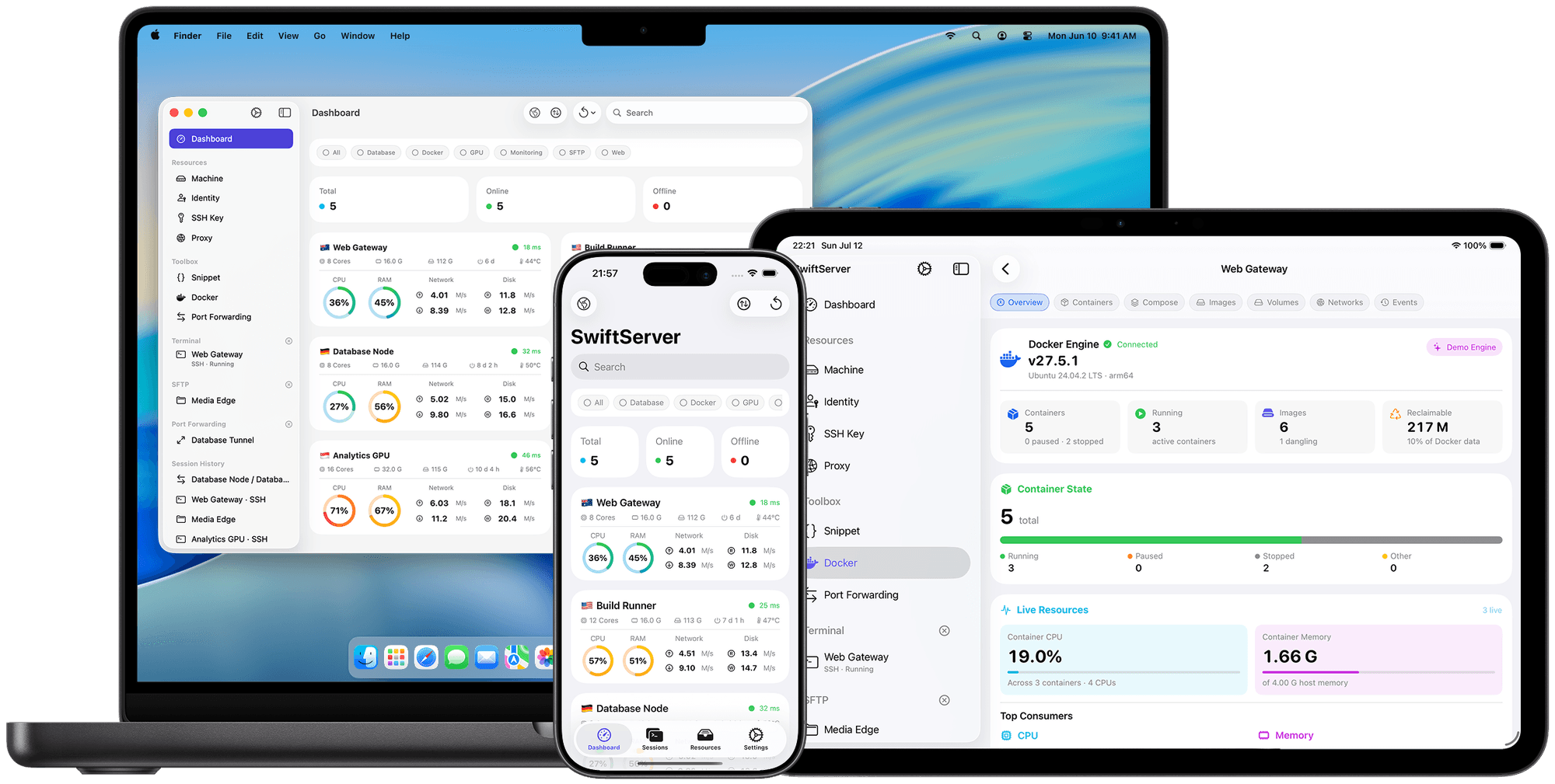
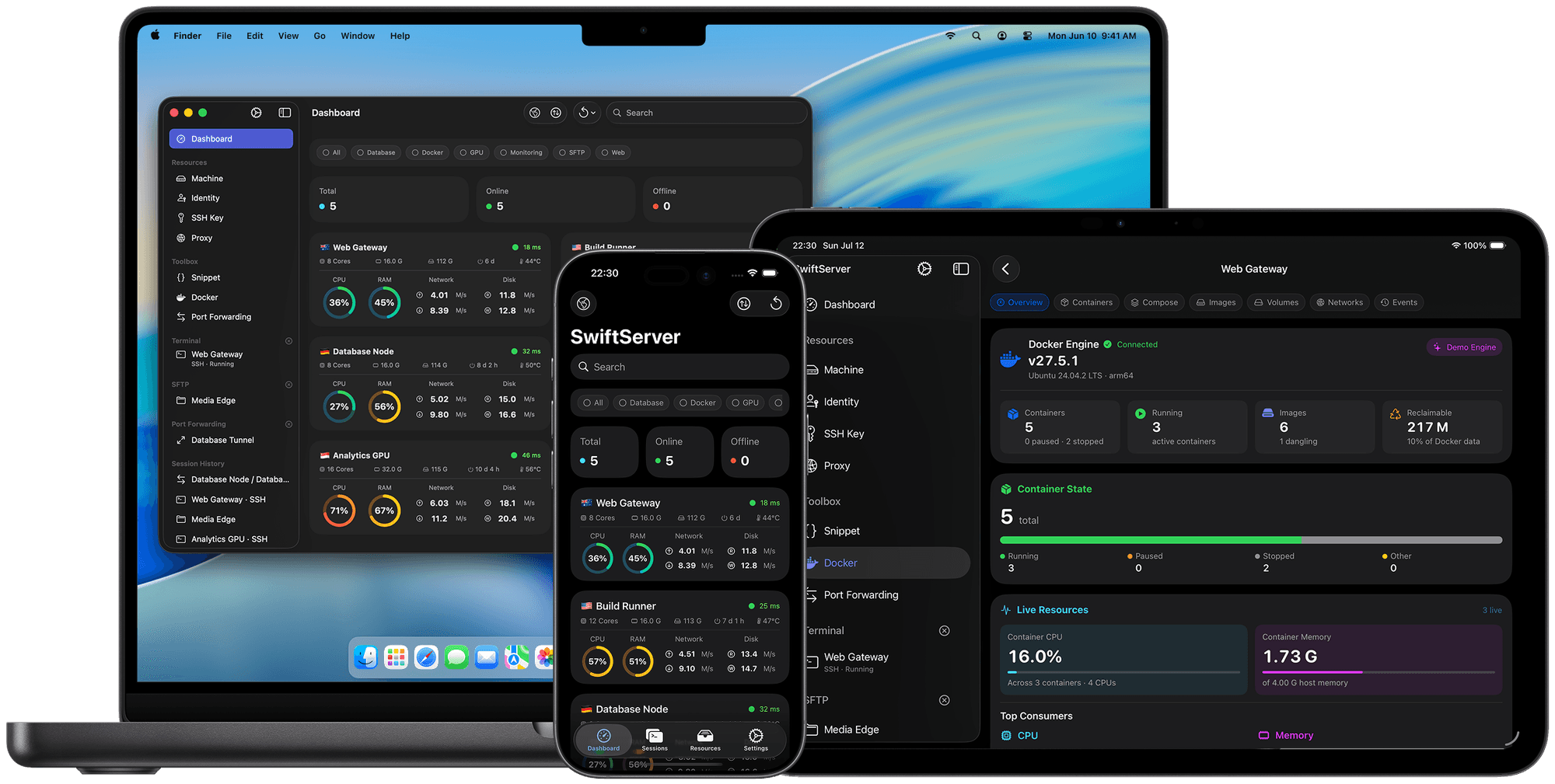
Synced through your iCloud
Your data lives in your private iCloud database. SwiftServer runs no sync servers.
Credentials stay sealed
Passwords and keys travel only through iCloud Keychain, end-to-end encrypted.
Trust comes along
Trusted host keys sync too, so a new device skips the fingerprint checks.
None of your data is our business.
SwiftServer has no servers of its own. Your devices connect straight to your machines.
No account to create, and no analytics or crash-reporting SDKs.
Credentials live in the device Keychain, with an optional Face ID lock.
The IP lookup runs from your server, and iCloud sync uses your account. Both are optional.
The SSH engine is open source as well. Audit Traversio on GitHub.
Diagram: your devices connect directly to your servers through an encrypted SSH tunnel. SwiftServer operates no servers in between, and the only optional third parties are ipinfo.io, reached from your own server, and your own iCloud account.
Free where it counts.
The terminal, Mosh, SFTP, snippets, and monitoring are free. Premium unlocks the whole fleet and the management tools.
Free
Everything you need to start.
$0
forever
- Unlimited saved servers and connections
- SSH and Mosh terminals, side by side
- SFTP browsing, uploads, and downloads
- Snippets, with multi-machine execution
- Live monitoring for 3 servers
- The whole Docker panel, read-only
- Widgets and Live Activities
- One port forwarding session at a time
SwiftServer Premium
One tier. Three ways to pay.
Monthly
$1.99
per month
3 days free
Yearly
Save 58%$9.99
per year
2 weeks free
Lifetime
$34.99
one time
yours forever
- Monitor as many servers as you run
- iCloud sync, secrets in iCloud Keychain
- Docker management: start, stop, logs, compose
- Jump hosts and connection proxies
- Unlimited concurrent port forwarding
- 518 terminal themes and custom fonts
- SFTP Quick Look and text editing
- Full IP location details on the map
Purchased in the app through the App Store; prices are shown in USD and set per region by Apple. Subscriptions renew until you cancel in your Apple account. Premium is per Apple ID, without Family Sharing. We run limited-time offers around WWDC and Black Friday. Watch the blog and our social channels.

Take your servers with you.
For iPhone, iPad, and Mac · iOS 18 or later · macOS 15 or later